SaveZy
Private media toolkit for your iPhone.
Transform videos on device — extract audio, resize, crop — then find every result in Library. Simple, focused, and private.

Tools
Everything you need to reshape video — without leaving your phone.
Extract Audio
Pull clean audio from any video as M4A, WAV, AIFF, or CAF.
Resize Video
Export from 144p to 4K — lighter files or full resolution, your call.
Aspect Ratio
Crop, move, and scale with live preview — social-ready frames in seconds.
Library
Play, rename, share, save to Photos, and keep everything organized.
Built for focus
Whether you need audio only, a social-ready crop, or a lighter export — SaveZy keeps the workflow simple and private.
Clean & cinematic
A dark interface designed to stay out of the way — so your media stays center stage.
On your device
Every tool runs locally. Your videos never need to leave your iPhone to be processed.
Instant Library
Results appear in Library as soon as processing finishes — ready to play, rename, or share.
Choose a video from Photos or Files, process it, and find the result in Library. No upload queues. No cloud round-trips for media processing.
See SaveZy
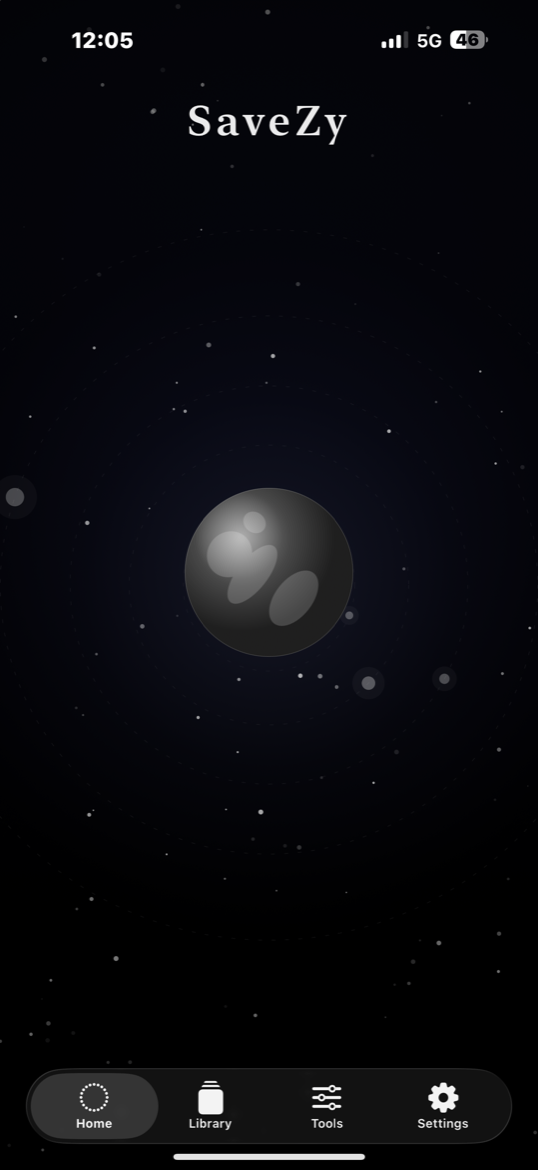
Home, Tools, and Library — tap any screen to enlarge.
Private by design
SaveZy was built so your media stays yours.
Local processing
Extract, resize, and crop run on your iPhone. Media is not uploaded to our servers for tool processing.
No account required
Open the app and start working. No email sign-up needed to use the toolkit.
Your Library, your device
Processed files live in your on-device Library until you share, save to Photos, or delete them.
Frequently asked questions
Transform video. Keep it private.
Download SaveZy on iPhone and start with Extract Audio, Resize, or Aspect Ratio — results land instantly in Library.